
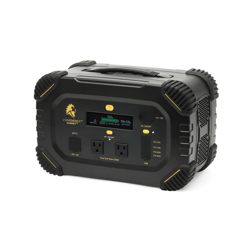
 Not Charging or Discharging
1. Fully discharge the Summit to 0% with an appliance.
2. To verify that the Summit is fully discharged, ensure the AC outlets do not produce any power, and the unit does not turn on.
3. Then fully recharge the Summit to 100% using the AC wall outlet charger.
Battery Reading is Displayed Incorrectly
1. If your battery reading is incorrect, please refer to the Not Charging or Discharging section for further instructions.
2. If the screen on the Summit reads 65% and the battery indicator is showing a different value, please contact support.
Not Charging with Solar Panels
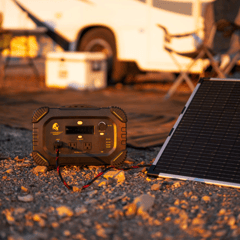
1. Ensure that the solar panels are set up correctly. The back of each solar panel should have two cables: a longer "output" cable and a shorter "input" cable. The longer "output" cable will connect to the Summit.
2. If multiple solar panels are being used, connect the longer "output" cable from panel #1 to the shorter "input" cable on panel #2. Continue this for each solar panel. The final panel with the unused longer "output" cable will connect to the Summit.