

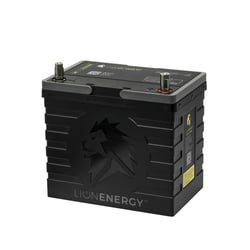
Reset Battery Management System (BMS)
Perform a BMS reset if your battery is experiencing the following issues:
-
Not charging or discharging
-
Bluetooth is not broadcasting
-
LED lights are incorrect when compared to voltage reading
Resetting the BMS:
1. Press the power button to turn on the status lights. When the lights are on, press and hold the power button for 20 seconds. Please hold the power button for the full 20 seconds even if the lights flash, blink, or turn off.
2. Then wait for 5 minutes for the battery to complete the reset.
Hard Reset
Perform a full, hard reset if your battery is experiencing the following issues:
-
BMS Reset did not resolve the original issue
-
Battery unable to fully charge to 100% or fully discharge to 0%
-
Need to equalize batteries in a battery bank
Hard Reset Steps:
1. Fully discharge the battery to 0% (a voltmeter will read about 10.5 - 11 V). Once fully depleted, recharge the battery up to 100% using a lithium battery charger.
2. If multiple batteries are being used, isolate each battery and follow the same process.